

Please note: this article contains affiliate links. If you buy through these, we may receive a commission at no extra cost to you. Using our links supports our work.
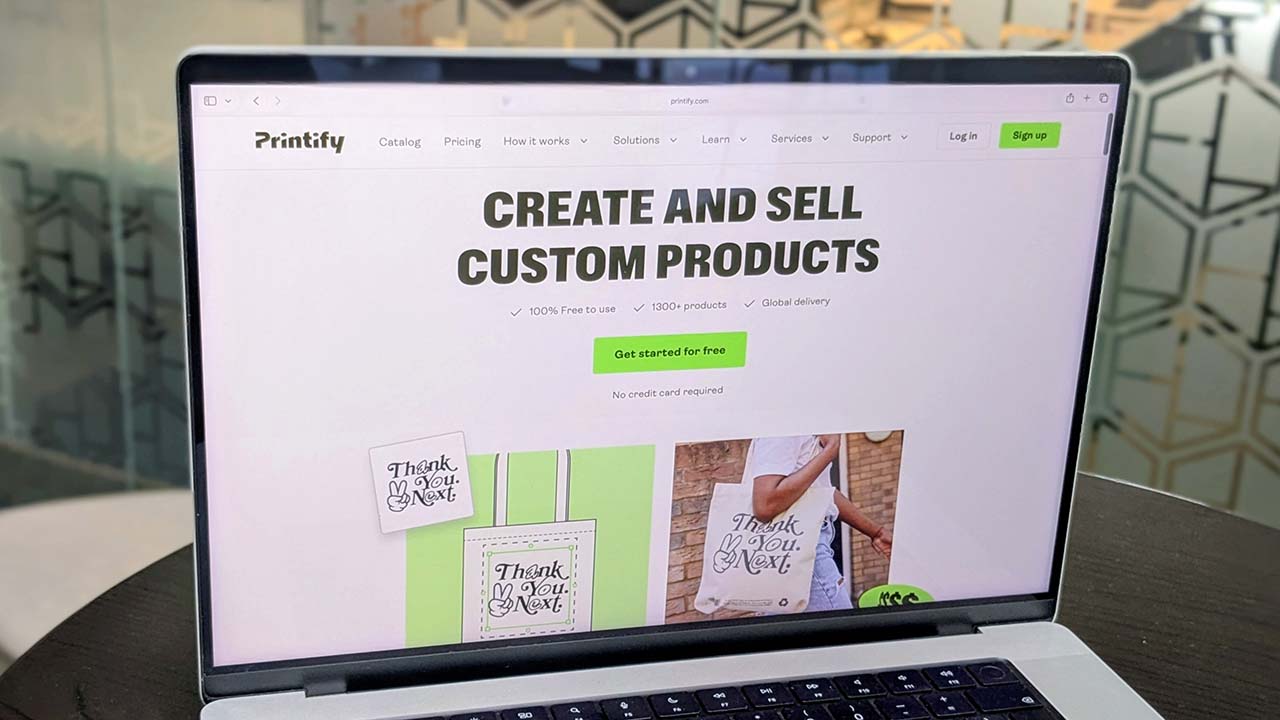
Printify is one of the most popular print-on-demand (POD) platforms around — and you can use it without paying a monthly subscription.
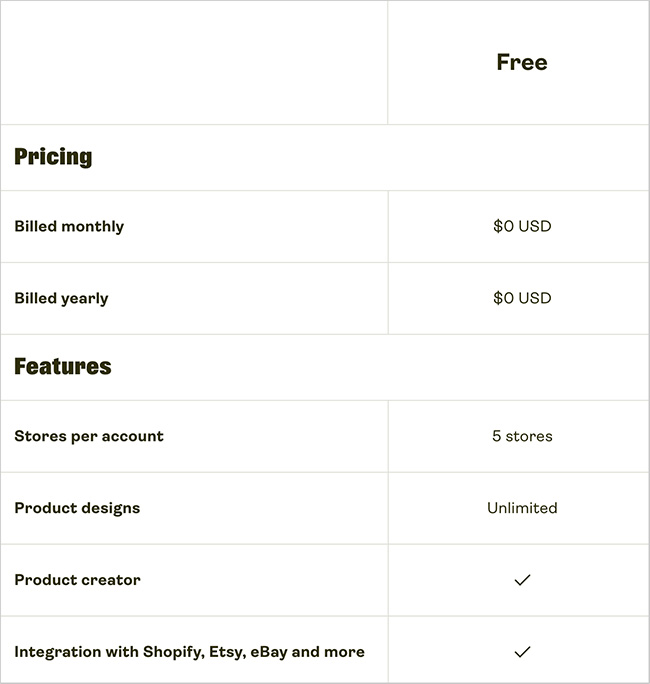
Its Free plan costs $0 per month, has no time limit and gives you the core tools you need to start creating and selling print-on-demand products. You can create unlimited product designs, connect up to five online stores and access Printify’s full network of print providers.
You’ll still need to pay for products and shipping when orders are fulfilled, of course. There’s also a Printify Premium plan that gives you lower product prices and some additional features — and we’ll look at whether it’s worth upgrading to later in the guide.
What do you get with the Printify free plan?
Printify’s Free plan gives you the core features you need to create and sell print-on-demand products. Despite costing $0 per month, it’s not particularly restrictive.
With Printify Free, you get:
- unlimited product designs
- connections for up to five online stores
- access to Printify’s Product Creator
- Printify’s full product catalog
- access to its complete print provider network
- manual order creation and custom order imports
- 24/7 merchant support.
There’s no limit on how long you can stay on the Free plan either. The main differences between Free and Premium are that Premium lets you connect more stores and, importantly, gives you discounted product prices.
How do you get Printify for free?
Getting started with Printify is straightforward, and you don’t need to provide any payment details to create your Free account.
To sign up:
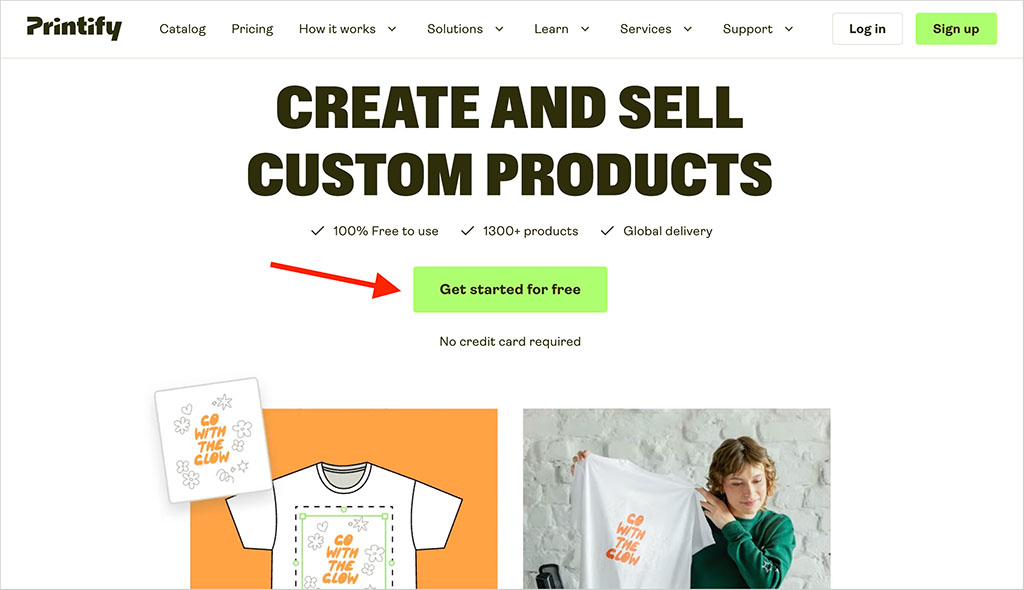
- Go to Printify using our signup link and click ‘Get started for free.’
- Create an account using Google, Apple or your email address.
- Complete the short onboarding process — Printify will ask about your POD experience, goals and where you plan to sell.
- Once you’re finished, you’ll be taken to Printify’s product catalog, where you can choose a product and start designing it.
And that’s it — there’s no need to select a paid plan or enter a credit card. Your account will be on Printify Free, and you can start creating products straight away.
How do you start selling with Printify Free?
Once your account is set up, you’ll need somewhere to sell your products. Printify Free lets you connect up to five stores, with supported sales channels including Shopify, Etsy, WooCommerce, Wix, Squarespace, eBay, Amazon and TikTok Shop.
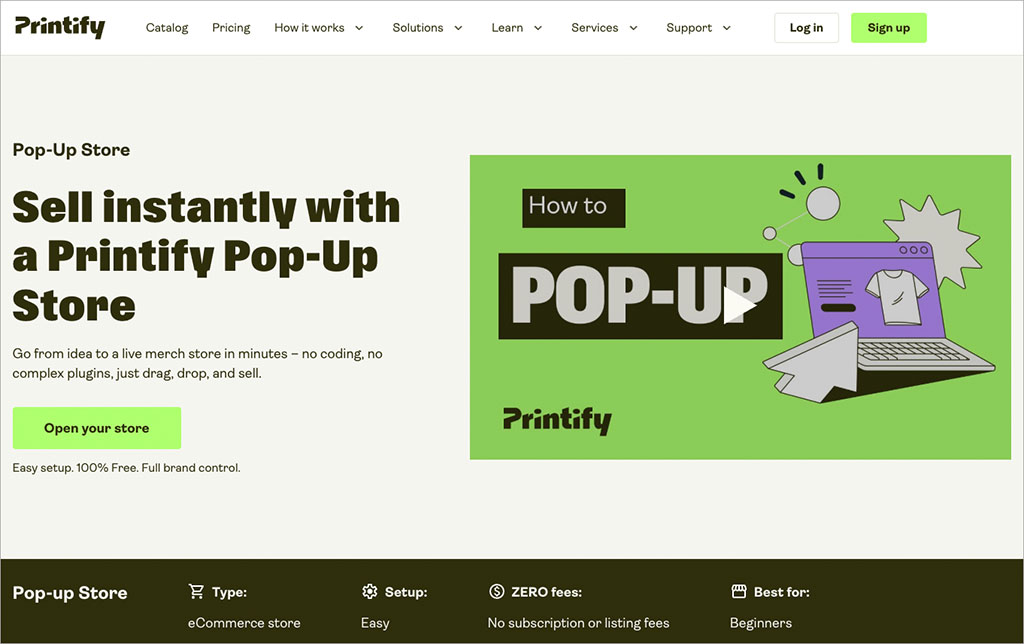
If you don’t already have an ecommerce store, you can use a Printify Pop-Up Store instead. This gives you a simple hosted storefront without the need to pay for a separate ecommerce platform. It’s fairly basic — customization and SEO features are limited, and you can’t use your own domain — but it’s a useful option if you want to start selling at minimal cost.
From there, you can choose an item from Printify’s catalog and customize it using the Product Creator. This lets you upload artwork, add text and graphics, use stock assets, select product colors and generate mockups. When your product is ready, simply set your retail price and publish it to your store.

What do you pay for with Printify Free?
Printify Free has no monthly subscription fee, but you’ll need to pay for products and fulfillment when orders come in. Your costs will typically include the product itself, printing and shipping, along with any optional extras you use.
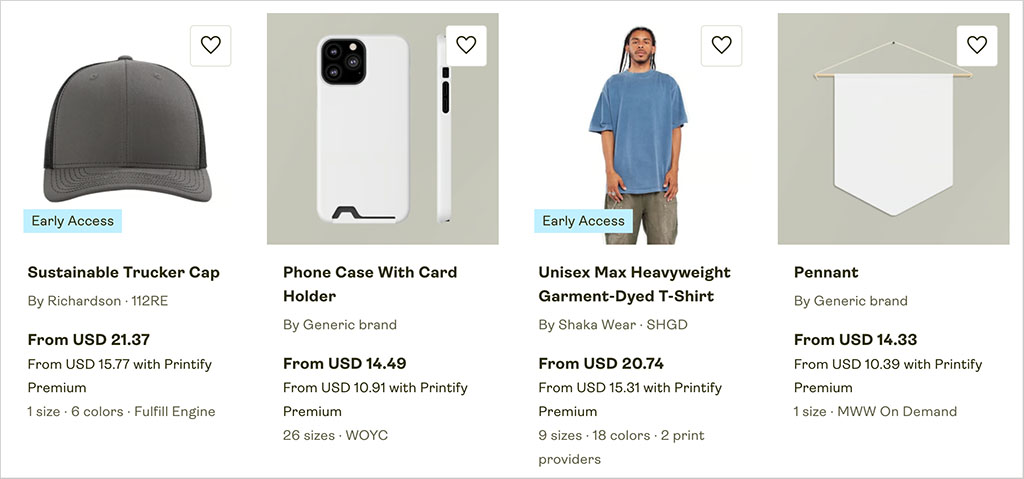
One important thing to understand is that Printify doesn’t necessarily have a single price for each product. It works with a network of 90+ print providers, and different providers can charge different prices and shipping rates for the same item.
For example, in our research we found the Bella + Canvas 3001 t-shirt priced between $10.98 and $14.96, depending on the provider. So it pays to compare the overall cost of the product and shipping before choosing who will fulfill your orders.
Printify Free users pay standard product prices; Printify Premium users can get discounts of up to 20%. This is the main financial reason to consider upgrading once your sales volumes start to increase.
What do you get with Printify Premium?
Printify Premium costs $39 per month, or $24.99 per month when billed annually. Its main advantage over Printify Free is cheaper product pricing — you get up to 20% off products, with discounts of up to 33% on newly added products and custom branding.
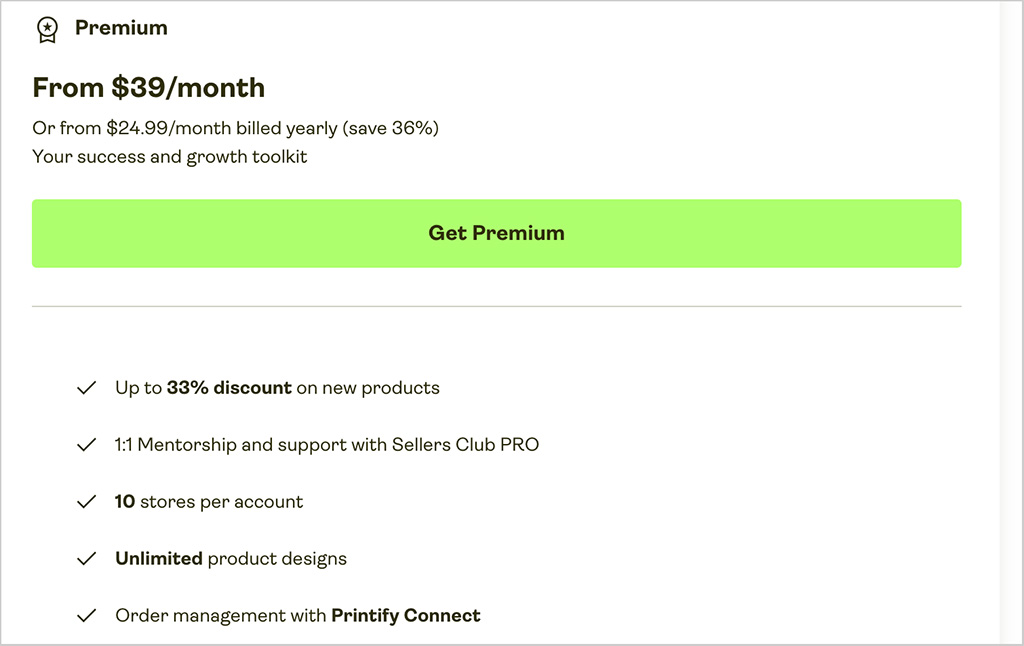
You also get support for 10 stores instead of five, AI Mockups, Printify Connect customer support, Sellers Club PRO mentoring and early access to selected new features.
For most new sellers, Printify Free should be perfectly adequate. But once you’re making regular sales, Premium can make financial sense quite quickly — if its product discounts save you more than the subscription fee each month, upgrading effectively pays for itself.
How do Printify Free and Premium compare?
Here are the main differences between the two plans:
| Feature | Printify Free | Printify Premium |
|---|---|---|
| Monthly cost | $0 | $39 |
| Cost with annual billing | $0 | $24.99/month |
| Stores | 5 | 10 |
| Product designs | Unlimited | Unlimited |
| Product Creator | ✓ | ✓ |
| Product discounts | — | Up to 20% |
| New product discounts | — | Up to 33% |
| Custom branding discounts | — | Up to 33% |
| AI Mockups | — | ✓ |
| Printify Connect | — | ✓ |
| Sellers Club PRO | — | ✓ |
| 24/7 support | ✓ | ✓ |
For most new POD sellers, Printify Free is the better starting point. Premium becomes more compelling when your sales increase and the savings from its product discounts start to exceed the monthly subscription fee.
How do I cancel Printify?
If you’re paying for Printify Premium, you can cancel your subscription and return to Printify Free at any time. Go to Wallet → Payments in your Printify dashboard and select Cancel subscription. You’ll keep your Premium benefits until the end of the current billing period, after which your account will switch back to Free.
If you want to close your Printify account completely, go to Account Settings → Personal Data → Delete my data. Make sure you disconnect your stores, cancel Premium and remove your registered credit card first. Account deletion is permanent, and you’ll remain responsible for any outstanding orders or charges.
Is Printify Free worth it?
Yes. For most new print-on-demand sellers, Printify Free is the best place to start. There’s no monthly fee or time limit, and you can create unlimited product designs, connect up to five stores and access Printify’s full network of print providers.
The main reason to consider Premium is its discounted product pricing. My suggestion is to start with Printify Free and upgrade once your sales reach the point where the savings from Premium outweigh its monthly fee.
Printify Free plan — FAQ
Can I use Printify for free?
Yes. Printify’s Free plan costs $0 per month and has no time limit. You can create unlimited product designs, connect up to five stores and sell without taking out a paid Printify subscription.
Do I need a credit card to use Printify?
No. You don’t need a credit card to create a Printify Free account and start designing products. You will need to add a payment method when you start fulfilling orders, however, so that Printify can charge you for products and shipping.
Does Printify charge you when you make a sale?
Yes. Printify Free has no subscription fee, but you pay for the products Printify fulfills and their shipping. The exact cost varies depending on the product and print provider you choose.
How much does Printify Premium cost?
Printify Premium costs $39 per month, or $24.99 per month when billed annually. It includes product discounts of up to 20%, support for up to 10 stores and additional features including Printify Connect and Sellers Club PRO.
Can I use Printify with Shopify for free?
Yes. You can connect Shopify to Printify on the Free plan, although you’ll still need to pay Shopify’s own subscription and any applicable transaction or payment-processing fees.
Can I use Printify without Shopify?
Absolutely. Printify integrates with several other ecommerce platforms and marketplaces, and you can also use a Printify Pop-Up Store to sell without subscribing to a separate ecommerce platform.
Should I use Printify Free or Premium?
For most new sellers, Printify Free is the better starting point. Premium becomes worth considering as your order volume increases and its product discounts start saving you more than the subscription fee.