


Please note: this article contains affiliate links. If you buy through these, we may receive a commission at no extra cost to you. Using our links supports our work.
There are hundreds of tools you can use to run an ecommerce business. But every extra app means another subscription to pay for, another login to manage, and another place for customer or business information to end up.
And there’s another problem with building an unnecessarily large tech stack: overlap. It’s ridiculously easy to end up paying for multiple apps that all perform versions of the same task.
So, if I were setting up an ecommerce business today, I’d keep the tech stack fairly lean: I’d focus on seven tools that cover the key tasks involved in running and growing a small ecommerce business.
These are:
Let’s look at each in turn.
1. Shopify — for building your online store
If selling products online is central to your business, the first major decision you’ll need to make is which ecommerce platform to use. And for most small businesses, my fisrt choice would be Shopify.
The main reason is that it combines an easy-to-use interface with a very comprehensive set of ecommerce features.

You can use it to create your storefront, manage products and inventory, take payments, calculate shipping rates, run discounts, sell internationally, and analyze your sales.
(Its international selling capabilities are particularly better than those of competing products — something to bear in mind if you intend on scaling ecommerce business down the line).
And importantly, Shopify doesn’t limit you to selling through a website. Its point-of-sale functionality lets you use the same platform to sell products face-to-face too (while keeping all your inventory data perfectly up to date).
Shopify also gives you access to a very large app ecosystem. This means that as your business develops, you can add specialist functionality for things like dropshipping, print-on-demand, subscriptions, loyalty programs, product reviews, or advanced shipping.

(Of course, that app ecosystem can create another problem: app overload. So I’d resist the temptation to install an app every time you encounter a minor inconvenience. Wherever possible, use Shopify’s built-in functionality first and add third-party tools only when they solve a genuine business problem.)
For a small ecommerce operation, your store platform should form the center of your tech stack — and Shopify is a strong candidate for doing that.
2. Canva — for everyday design work
Whatever you sell online, you’re going to need visual content.
This might include:
- product mockups
- social media posts
- banner ads
- email graphics
- PDFs
- presentations
- YouTube thumbnails
- short videos.
Hiring a professional designer every time you need one of these things is going to get expensive very quickly. So it makes sense to have a tool that lets you produce everyday creative work yourself. My choice here would be Canva.
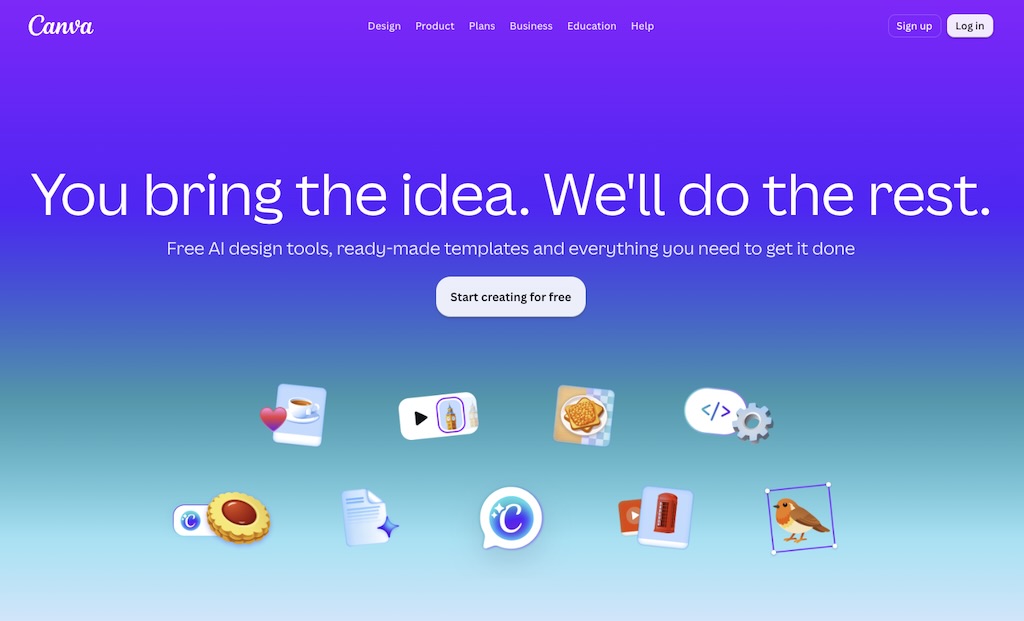
Now, Canva isn’t as powerful as professional graphic design tools like Photoshop or Illustrator. But for many small ecommerce businesses, that’s actually part of its appeal.
Its interface is much easier to learn, and its large template and stock-asset libraries help people with very little design experience create polished material quickly. Its AI tools can speed things up further by helping with image generation, background removal, resizing, copy generation, and other routine design jobs.
I wouldn’t necessarily use Canva to design a complex brand identity from scratch. But for the ongoing production work involved in running an online store, it’s extremely useful.

3. Semrush — for helping people find your store
Building a great online store isn’t much use if nobody discovers it. So the next tool I’d add to the stack is something that helps you boost your visibility online.
My choice of app for doing this would be Semrush.
Traditionally, Semrush has been best known as an SEO platform. It lets you research the keywords people type into Google, identify the search terms your competitors rank for, analyze backlinks, track rankings, and spot technical SEO problems on your site.

For an ecommerce business, this sort of data can influence much more than your SEO.
Keyword research can help you decide:
- which products to stock
- how to name product categories
- what terminology to use on product pages
- which buying guides to create
- which competitors to investigate.
Related resources
But it’s worth noting that search isn’t just about Google anymore. Consumers increasingly research products using AI tools such as ChatGPT, Gemini, and Perplexity, so understanding whether — and how — your brand appears in AI-generated answers is becoming more useful.
Semrush now includes tools aimed at measuring this type of AI visibility alongside its traditional SEO features.
Now, Semrush is one of the more expensive apps in this stack, so I wouldn’t necessarily suggest that every brand-new store needs it from day one. But once generating organic traffic becomes an important growth objective, a visibility platform like Semrush can give you a much clearer picture of where your opportunities are.

4. Google Workspace — for running the business
Some of the least glamorous software in your tech stack is also the software you’ll probably use the most.
You need business email. You need documents. You need spreadsheets. You need calendars, file storage, and video meetings.
And Google Workspace covers all of these requirements in one subscription.
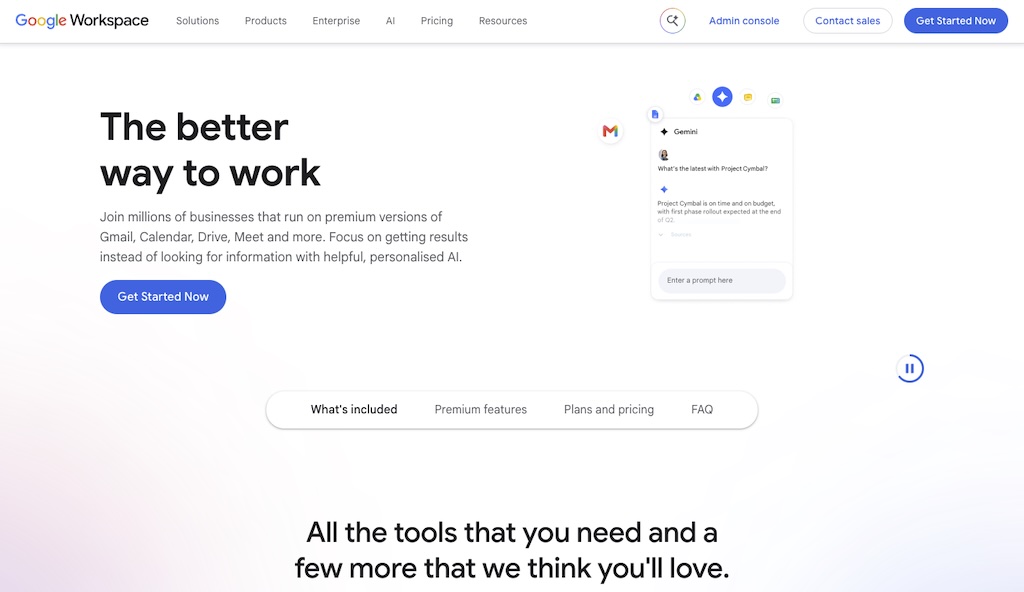
You get Gmail for business email, Drive for file storage, Docs for documents, Sheets for spreadsheets, Slides for presentations, Meet for video calls, and Calendar for scheduling.
There’s another increasingly important advantage here of using Google Workspace too, and that involves AI.
Google’s Gemini AI functionality is integrated throughout Workspace, meaning you can use AI to help write and summarize documents, work with spreadsheets, draft emails, and carry out other common business tasks. You can also use Gemini as a general AI assistant chatbot, which — depending on your requirements — may reduce the need to invest in a separate AI tool like ChatGPT, Claude or Perplexity.
5. Trello — for managing projects
Once more than one person is involved in your ecommerce business, it becomes surprisingly easy to lose track of what needs doing. In fact, even if you’re a solo operator, managing work can be tricky too.
Product launches, content creation, promotions, supplier conversations, website updates, and advertising campaigns can quickly generate a large number of moving parts.
This is where a project management tool helps, and I’d start with Trello.
Now, there are much more sophisticated project management platforms available, but complexity isn’t necessarily an advantage for a small company.
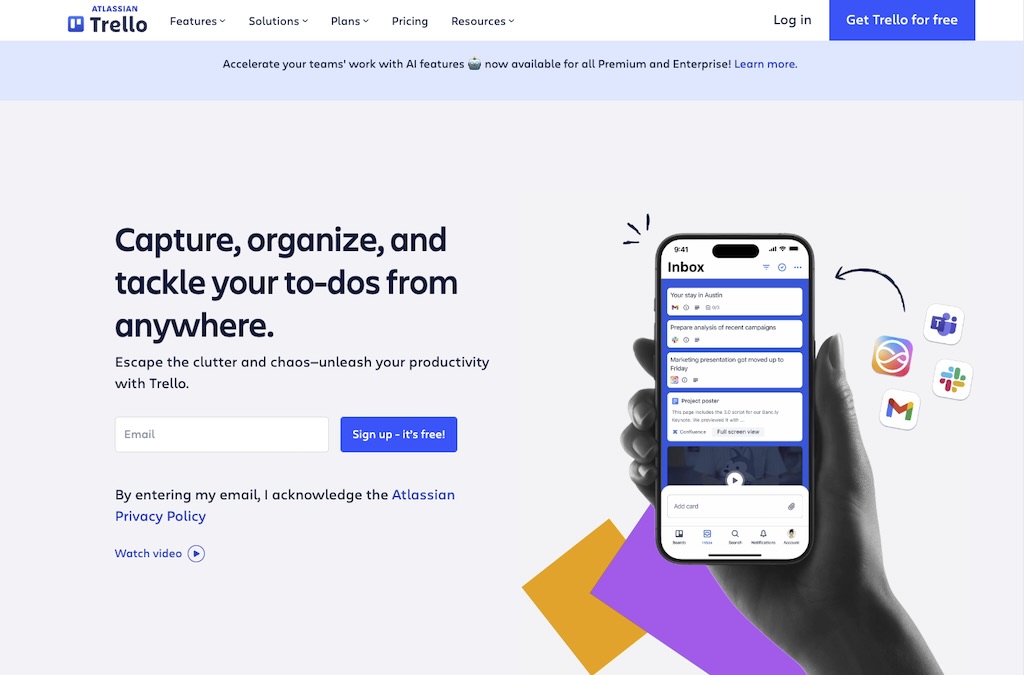
Trello’s basic system is extremely simple: you create boards containing lists, and place cards inside those lists. For example, a content-production board could contain columns called:
Ideas → Being written → Editing → Ready to publish → Published
A product-development board might contain:
Research → Supplier contacted → Sample ordered → Approved → Launched
That simplicity is valuable. Everyone can immediately see what needs doing and where each task stands.
(You can automate aspects of Trello and build fairly elaborate systems with it, but I’d resist doing too much of this initially. The point of introducing project-management software is to make work easier to understand — not create another system that needs managing.)
The good news is that there’s a free — and very functional — version of Trello available too.
6. Omnisend — for ecommerce email marketing
Email is particularly important in ecommerce because it gives you something that social networks, marketplaces, and search engines don’t: a marketing audience that you own and can communicate with directly via newsletters.
But while newsletters are part of the picture, the really valuable ecommerce use cases often involve automation.
Although HubSpot includes email marketing tools, I’d use a dedicated platform for ecommerce message automation, and my choice here would be Omnisend.
You can use Omnisend to automatically send e-newsletters when somebody:
- abandons a shopping cart
- views a product without purchasing
- makes their first purchase
- hasn’t bought anything for a while
- reaches a particular stage in the customer lifecycle.
It also lets you segment customers based on their behavior and purchase history, making it possible to send more relevant campaigns.

Omnisend is particularly appealing for smaller ecommerce businesses because its feature set is strongly centered around online selling rather than general corporate marketing.
And crucially, it connects directly with major ecommerce platforms like Shopify, meaning your customer, order, and product data can be used in your email campaigns and automations.

Why use Omnisend rather than Shopify’s own email marketing tools?
Shopify’s email tools (provided by its “Shopify Messaging” app) are perfectly adequate for basic campaigns and straightforward automations, but Omnisend gives you more sophisticated ecommerce marketing features.
In particular, it provides stronger segmentation, more flexible multi-step automation workflows, and better support for behavior-based campaigns such as browse abandonment, post-purchase follow-ups, win-back sequences, and cross-sells.
7. Xero — for managing your accounts
Finally, there’s the financial side of the business.
Spreadsheets can work when you’re starting out, but once a reasonable number of transactions starts flowing through your store, they’re a cumbersome way to run your accounts.
So, I’d use Xero for managing accounts instead. It gives you a more structured way to deal with invoices, bills, expenses, bank transactions, and financial reporting.
(It has an official “Built for Shopify” integration, meaning that it if you choose Shopify as your ecommerce platform, it plays nice with it.)
Importantly, it can connect directly to your bank account so that transactions can be imported and reconciled regularly.

This gives you a much clearer picture of what’s happening financially and makes it easier to see:
- how much money is coming in
- what you’re spending
- who owes you money
- how your cash flow is looking
- whether your financial records are up to date.
Because Xero is widely used by accountants and bookkeepers, it can also make collaborating with whoever handles your accounts much easier.
And at the end of the day, using proper accounting software throughout the year is considerably better than trying to sort out your business finances shortly before a tax deadline…
Summing up: your complete ecommerce tech stack
To sum things up, if I were setting up a relatively small ecommerce business today, my core tech stack would look like this:
| Job | Tool |
|---|---|
| Ecommerce platform | Shopify |
| Design | Canva |
| SEO and AI visibility | Semrush |
| Email, documents and productivity | Google Workspace |
| Project management | Trello |
| Email marketing | Omnisend |
| Accounting | Xero |
Now, you could obviously add many more applications to this. Depending on how your ecommerce business evolves, you might eventually need dedicated tools for customer support, social media management, scheduling, inventory management, analytics, subscriptions, or automation.
But I wouldn’t add them until there’s an obvious need to do so.
And if you are conisdering adding additional apps, a useful rule of thumb to work with is this: if two tools in your stack are doing 80% of the same job, one of them probably shouldn’t be there. Every extra platform creates a cost that goes beyond its monthly subscription. Someone has to learn it, configure it, integrate it, maintain it, and keep track of the information stored inside it.
And when you multiply that overhead across a dozen unnecessary apps, a tech stack that’s supposed to make your company more efficient can start doing precisely the opposite.
That’s why I like the combination above. Each tool has a reasonably clear job, there’s relatively little overlap between them, and together they cover most of what a small ecommerce business needs to operate — and grow.

Chris Singleton is the Founder and Director of Ecommercetrix.
Since graduating from Trinity College Dublin in 1999, Chris has advised many businesses on how to grow their operations via a strong online presence, and now he shares his experience and expertise through his articles on the Ecommercetrix website.
Chris started his career as a data analyst for Irish marketing company Precision Marketing Information; since then he has worked on digital projects for a wide range of well-known organizations including Cancer Research UK, Hackney Council, Data Ireland, and Prescription PR. He then went on to found the popular business apps review site Style Factory, followed by Ecommercetrix.
He is also the author of a book on SEO for beginners, Super Simple SEO.