


Please note: this article contains affiliate links. If you buy through these, we may receive a commission at no extra cost to you. Using our links supports our work.
If you want to build a website without spending anything upfront, Wix gives you an easy way to do this. It offers a free plan you can use indefinitely — and this gives you access to most of its core website-building tools.
But there’s a catch: the free version of Wix comes with some important limitations.
So in this guide, I’ll walk you through:
- how to start a free Wix website (step by step)
- what you can — and can’t — do on the free plan
- when it makes sense to upgrade
How to start a Wix website for free
Getting started with Wix is very straightforward. You can have a basic site live in under an hour.
Here’s how:
1. Sign up for Wix
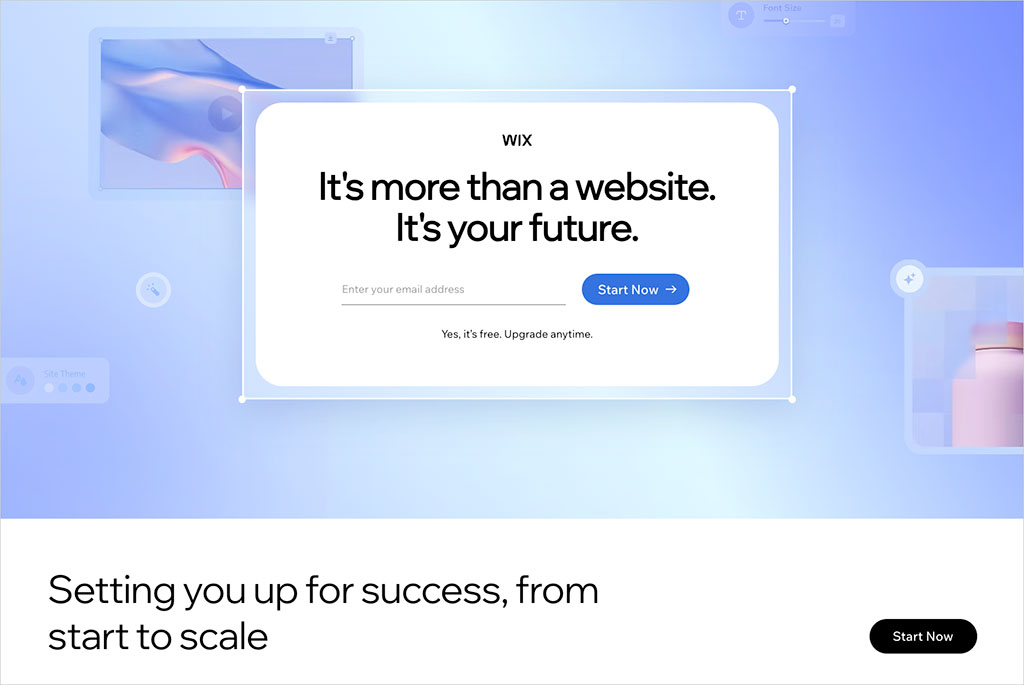
Go to the Wix free plan signup page and enter your details.
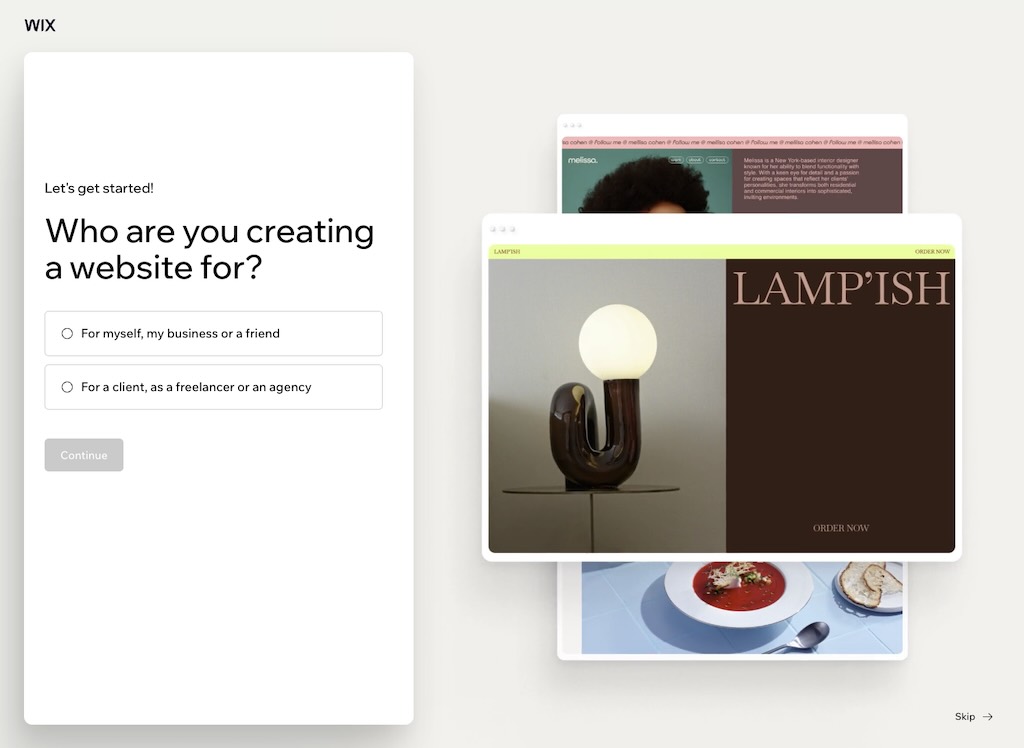
Wix will ask you a few questions about the type of site you want to build — for example:
- a business website
- a portfolio
- a blog
- or an online store
This helps Wix tailor the setup process.
2. Choose how you want to build your site
Wix gives you two main options for building your website. You can use…
- Wix’s AI website builder (“Chat with AI”) — use this if you want Wix to generate a site for you automatically based on information you provide
- Manual editor — use this if you’d rather choose a template and customize everything yourself
If you want speed, go with AI. If you want full control, go with the manual editor.
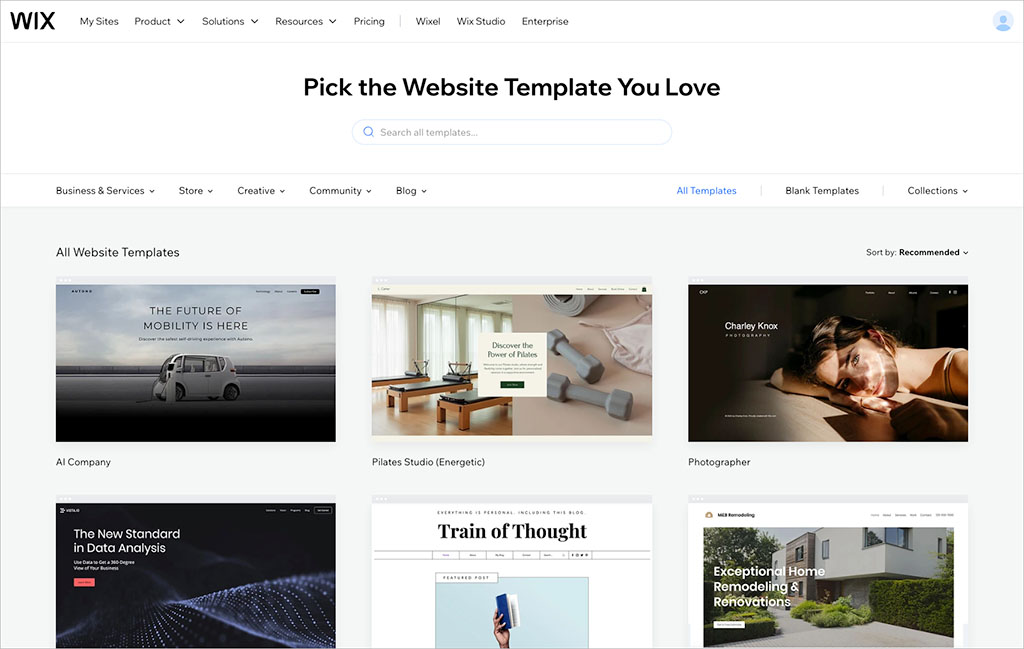
3. Pick a template (if using the editor)
Wix offers a large range of templates catering for a variety of project types, including:
- business sites
- ecommerce
- photography
- blogs
- events.
Once you’ve picked a template, you can fully customize it — you’ll be able to edit layouts, colors, fonts, images, etc.
4. Customize your site
Using Wix’s drag-and-drop editor, you can:
- add pages (About, Contact, Services, etc.)
- insert text, images, and videos
- create forms and galleries
- adjust layout and spacing
It’s very flexible — you can place elements almost anywhere on the page.
5. Publish your site
When you’re ready, hit Publish. Your site will go live on a Wix subdomain that looks like this:
yourname.wixsite.com/yoursite
At this point, you have a fully-functioning website — completely free.
What you get with the Wix free plan
The free plan gives you access to most of Wix’s core features, including:
- its full website editor
- 2,000+ templates
- basic SEO settings
- hosting
- access to Wix apps
For learning, experimenting, or building a simple site, the Wix free plan is a solid starting point. But it does have some serious limitations, which I’ll walk you through now.
The limitations of a free Wix website
If you’re planning to build anything serious with Wix, you need to be aware of the restrictions and drawbacks of its free plan, namely…
1. Wix ads on your site
Your website will display prominent Wix branding, typically at the top of the page. This can look unprofessional for business use.
2. No custom domain
You won’t be able to use your own domain name. Instead of hosting a site at “yourbusinessname.com,” you’ll be stuck with a Wix-branded URL.
3. Limited storage and bandwidth
On Wix’s free plan, you only get:
- 500MB storage
- 1GB bandwidth
This is fine for small sites, but can be restrictive if you work with big media files or expect a lot of visitors to your site.
4. No ecommerce features
You can’t sell products or accept payments on the free plan. If you want to start an online store, you’ll need to upgrade to the paid version of Wix.
And speaking of which…
When should you upgrade?
The free plan is great for:
- testing Wix
- building a personal or hobby site
- creating a temporary project or event page
But you should consider upgrading if you want to:
- run a business website
- use a custom domain
- remove Wix ads
- sell products or services
- access analytics and advanced features
A smarter way to test Wix (before upgrading)
If you’re considering using Wix for a serious project, there’s a better approach than sticking with the free plan.
Instead of relying on the limited version, you can:
- Start with a free plan
- Upgrade to a premium plan
- Cancel within 14 days if it’s not right
Because Wix offers a 14-day refund policy, this effectively gives you a full trial of all premium features.
This is the only way to properly test things like:
- ecommerce tools
- payments
- custom domains
- advanced integrations
Is a free Wix website worth it?
Yes — but only for the right use case.
If you just want to:
- learn how Wix works
- build a simple site
- experiment with layouts
…it’s a great option.
But if your goal is to:
- build a professional brand
- generate leads
- or sell online
…then you’ll quickly outgrow the free Wix plan.
Alternatives to Wix
If you’re exploring other options, here are some strong alternatives:
- Shopify — best for ecommerce
- Squarespace — great for design-led websites and creative portfolios
- WordPress — best for flexibility and customization

FAQs about the Wix free plan
Is Wix really free?
Yes — Wix offers a genuinely free plan that you can use indefinitely. However, “free” comes with significant trade-offs. Your site will display Wix branding, you won’t be able to connect it to a custom domain name, and you won’t be able to sell products on it.
Can I sell products on a free Wix website?
No — ecommerce functionality is not available on the free plan. Because of this, the free plan isn’t suitable for running an online store — but it can be useful for designing and planning one before upgrading.
Do I need a credit card to start using Wix?
No — you can sign up, build, and publish a Wix site without entering any payment details. This makes it easy to experiment with the platform risk-free. You can take your time building your site, testing layouts, and exploring features before deciding whether to upgrade.
Is the Wix free plan good enough for a real website?
It depends on what you mean by “real.”
For simple use cases like:
- personal projects
- portfolios
- event pages
- temporary websites
…the free plan can work well.
But for anything more professional — especially business or ecommerce sites — the limitations become a problem quickly. The presence of ads, lack of a custom domain, and missing features make it difficult to present a polished, credible brand.
In practice, most users treat the free plan as a testing or staging environment, and upgrade when they’re ready to go live properly.
Can a Wix site rank on Google if I use the free plan?
Technically, yes — Wix allows you to edit basic SEO settings even on the free plan.
However, in practice, ranking a free Wix site can be challenging because:
- you can’t use a custom domain (which can reduce Google’s confidence in it)
- you don’t get access to advanced analytics tools
If SEO is important to you, upgrading to a paid plan (and connecting your own domain) is strongly recommended.
Is Wix free plan good enough for a small business website?
In most cases, no — at least not long-term. While you can use it to prototype or test a business idea, its limitations (ads, no custom domain, no ecommerce, etc.) make it unsuitable for a professional presence.

Chris Singleton is the Founder and Director of Ecommercetrix.
Since graduating from Trinity College Dublin in 1999, Chris has advised many businesses on how to grow their operations via a strong online presence, and now he shares his experience and expertise through his articles on the Ecommercetrix website.
Chris started his career as a data analyst for Irish marketing company Precision Marketing Information; since then he has worked on digital projects for a wide range of well-known organizations including Cancer Research UK, Hackney Council, Data Ireland, and Prescription PR. He then went on to found the popular business apps review site Style Factory, followed by Ecommercetrix.
He is also the author of a book on SEO for beginners, Super Simple SEO.